
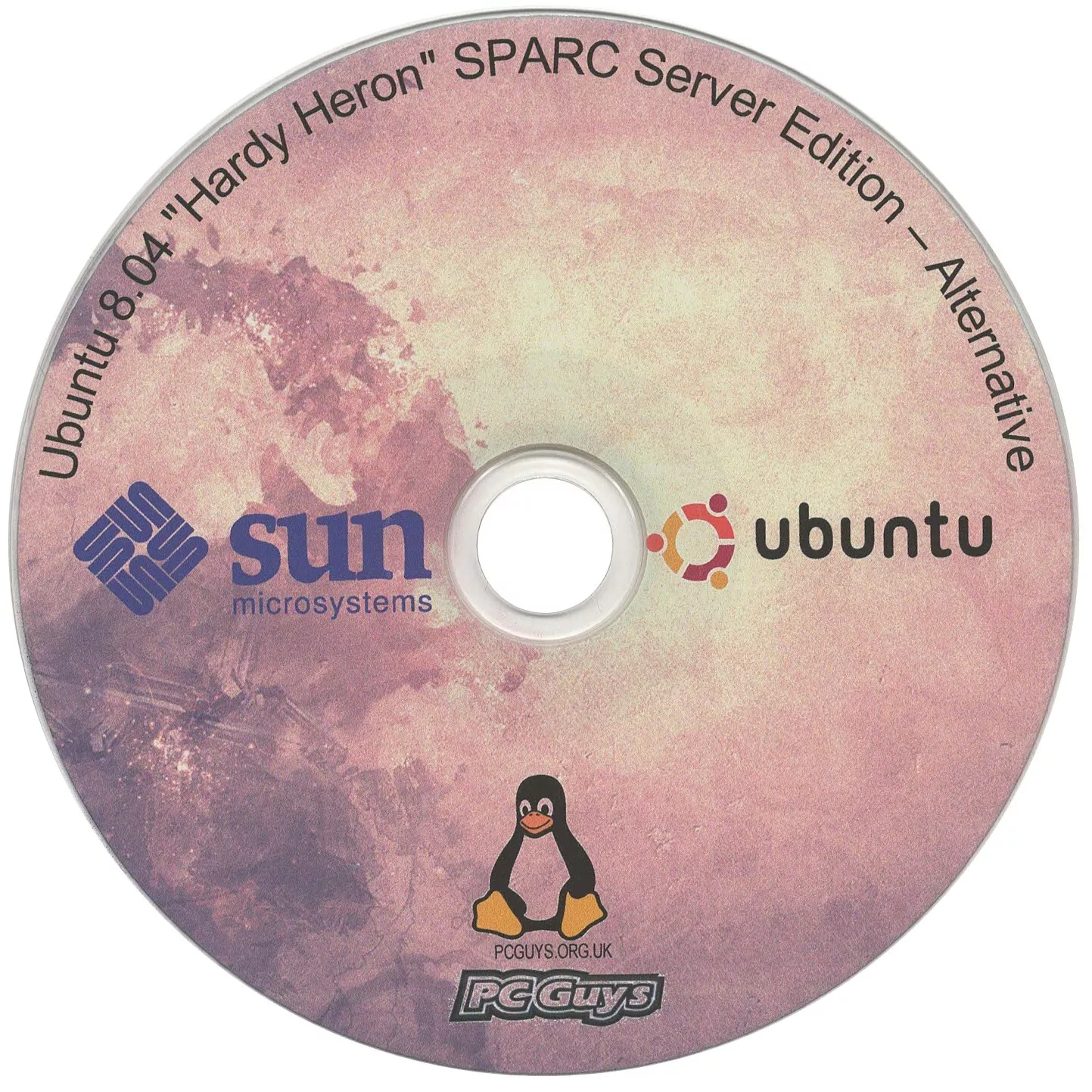
Description
Ubuntu 8.04 LTS (Hardy Heron) | Alternative Edition for SPARC
This listing is for a freshly burned, made-to-order installation CD of Ubuntu 8.04 LTS (Hardy Heron) Alternative Edition, specifically compiled for Sun Microsystems SPARC architecture.
The Alternative Edition is a specialized release designed for systems where the standard graphical installer is not suitable. It uses a robust, text-based installation interface that is lighter on system resources and provides advanced configuration options not found in the standard “Live” media.
🚀 Why the “Alternative Edition”?
-
Low RAM Optimization: Successfully installs on vintage systems with as little as 128MB of RAM.
-
Advanced Partitioning: Native support for setting up LVM (Logical Volume Manager), Software RAID, and encrypted volumes during the initial setup.
-
Headless Ready: Ideal for server deployments where no monitor is attached (managed via Serial Console).
-
Reliable Installer: Often succeeds on legacy Sun hardware where the graphical “Desktop” installer might fail to initialize.
🖥 Supported SPARC Hardware
Designed specifically for Sun Microsystems UltraSPARC servers and workstations:
-
Sun Ultra: 1, 2, 5, 10, 30, 60, 80
-
Sun Blade: 100, 150, 1000, 2000
-
Sun Fire: V100, V120, V210, V240
-
Sun Enterprise: 250, 450
-
Release: Ubuntu 8.04.4 LTS (Hardy Heron)
-
Kernel: 2.6.24 (SPARC-optimized)
-
Support Life: Reached End-of-Life (EOL) in April 2013 (Legacy support only).
-
Default Environment: Minimal text-based server. A Graphical User Interface (GUI) like XFCE or GNOME can be added manually after installation.
📝 Installation Instructions
-
Insert the CD into your Sun server/workstation.
-
Enter the OpenBoot PROM (OBP) prompt (Stop + A during boot).
-
At the
okprompt, type:boot cdrom -
Follow the professional, text-based prompts to configure your system.


![86-DOS 1.14 [SCP OEM] [SCP Tarbell]](http://i0.wp.com/pcguys.org.uk/wp-content/uploads/2022/08/86-DOS_1.14_First_Boot.png?resize=300%2C300&ssl=1)